Image Tools
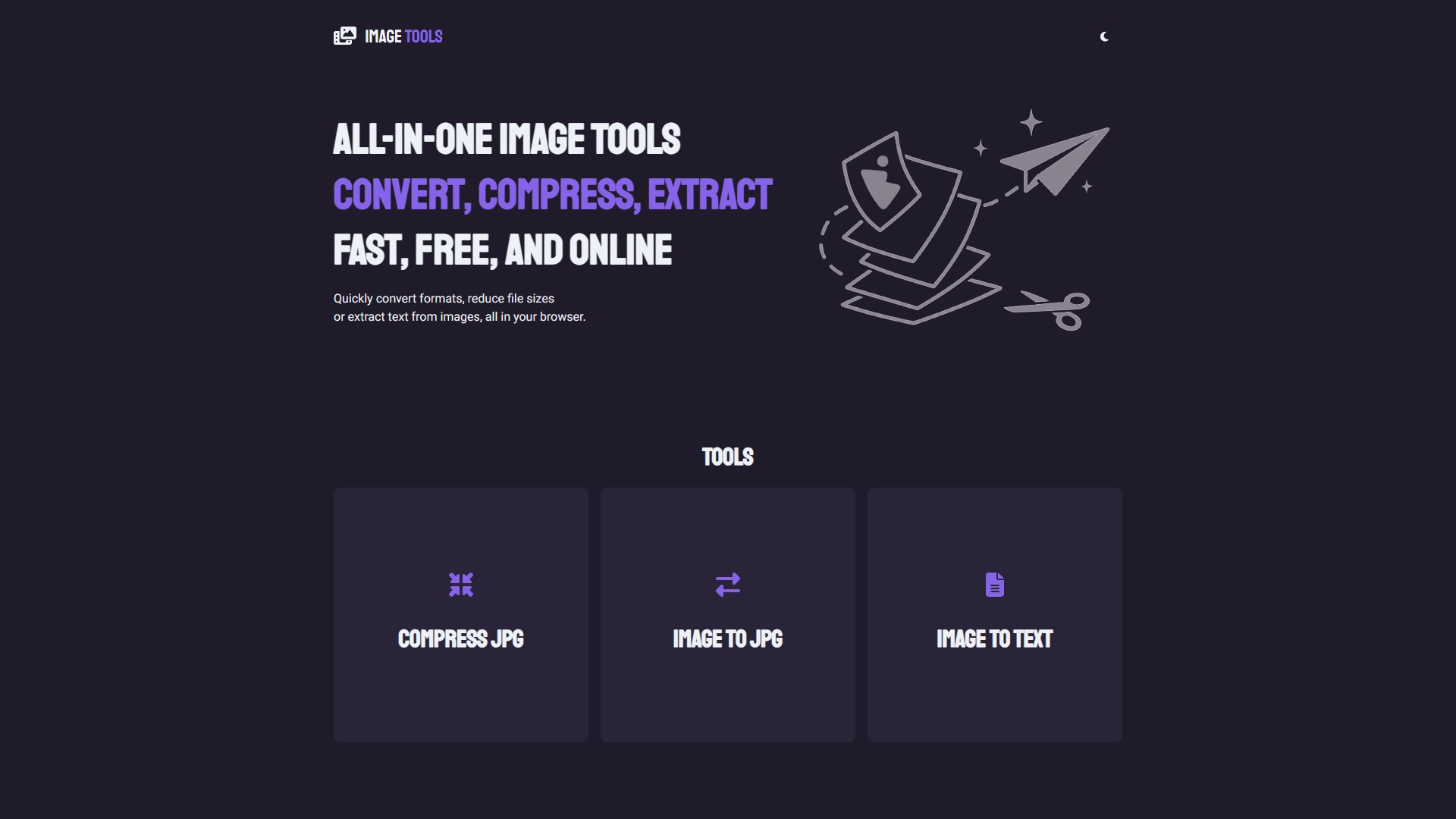
A fully client-side image processing web app with no upload limits, no server storage, and no paywalls. It supports image compression, format conversion, and OCR text extraction, all without sending images anywhere.
Overview
Image Tools is a fully client-side image processing web app that works directly in your browser. I built it after getting frustrated with online tools that imposed limits on file size, image count, or daily usage, and which often uploaded my images to remote servers.
This tool runs directly on your device. Your images stay 100% private, with nothing uploaded or stored remotely. Because everything is processed locally, it works seamlessly even on slower connections, without waiting for large uploads or relying on fast internet.
Features
Performance- Uses a dynamic Web Worker pool that scales to your device's CPU cores, processing multiple images simultaneously.
- The image encoding runs in the background, keeping the app smooth and responsive even with huge bulk uploads.
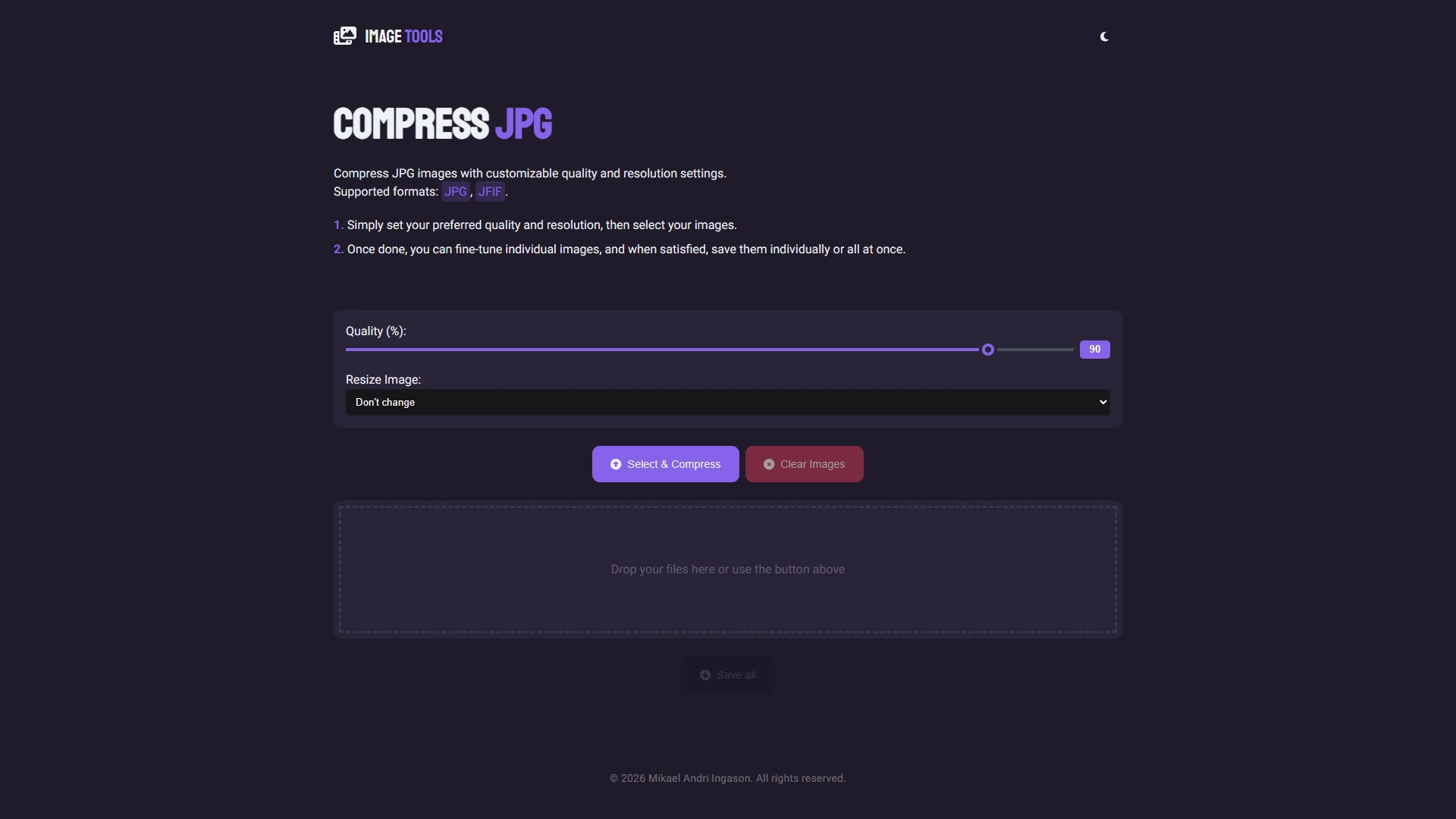
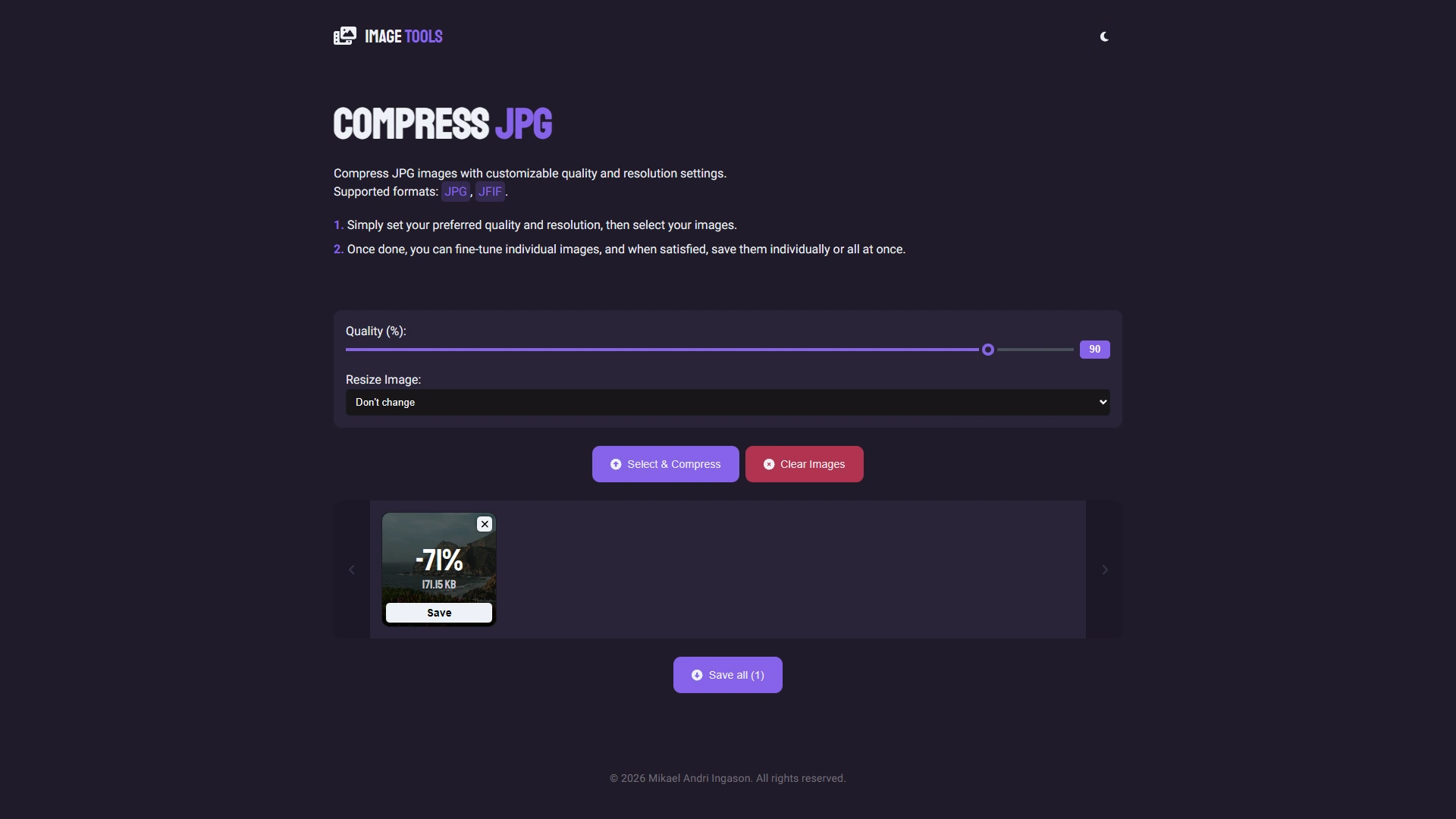
- Compress JPGs in bulk with customizable quality and resolution.
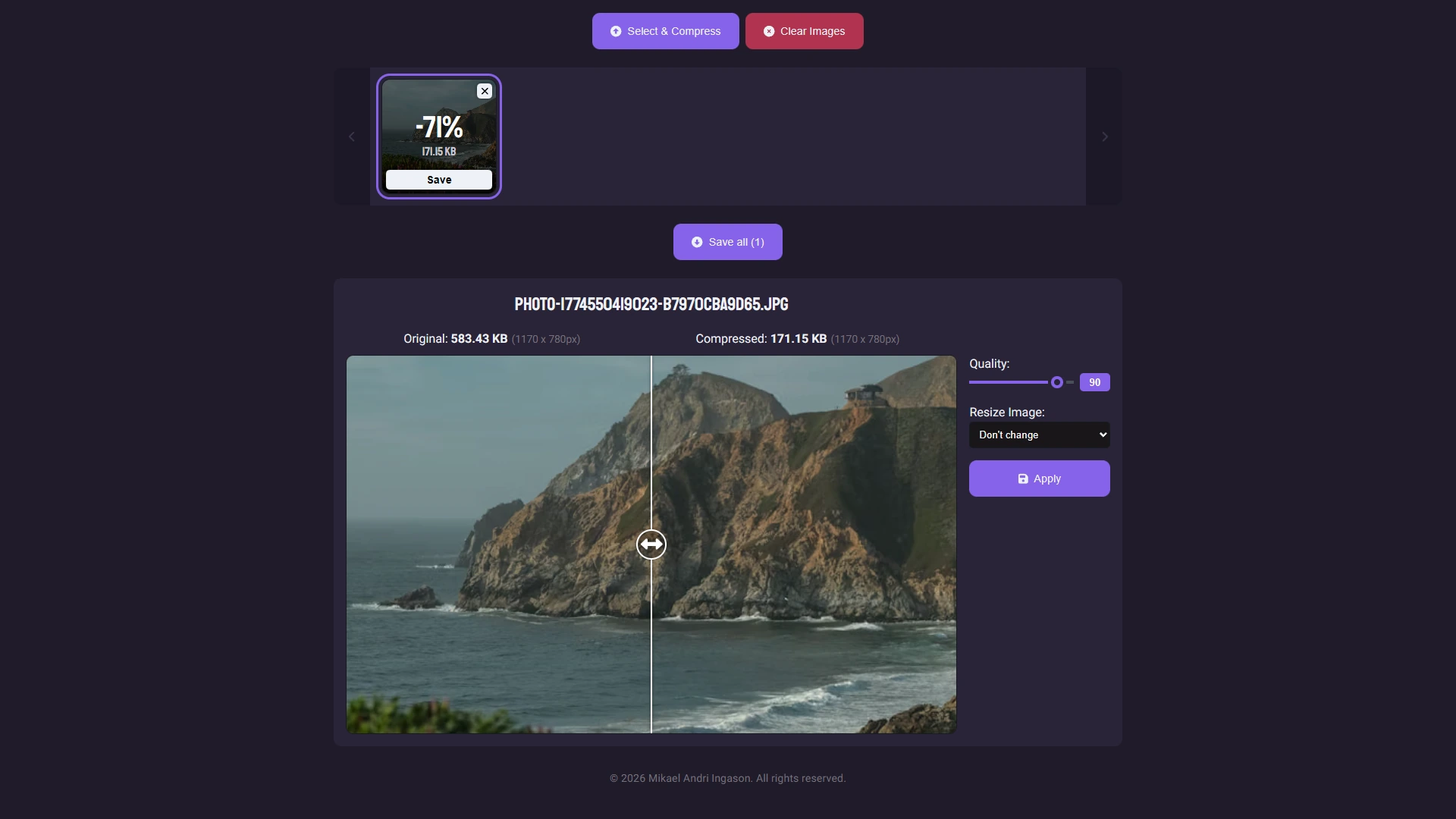
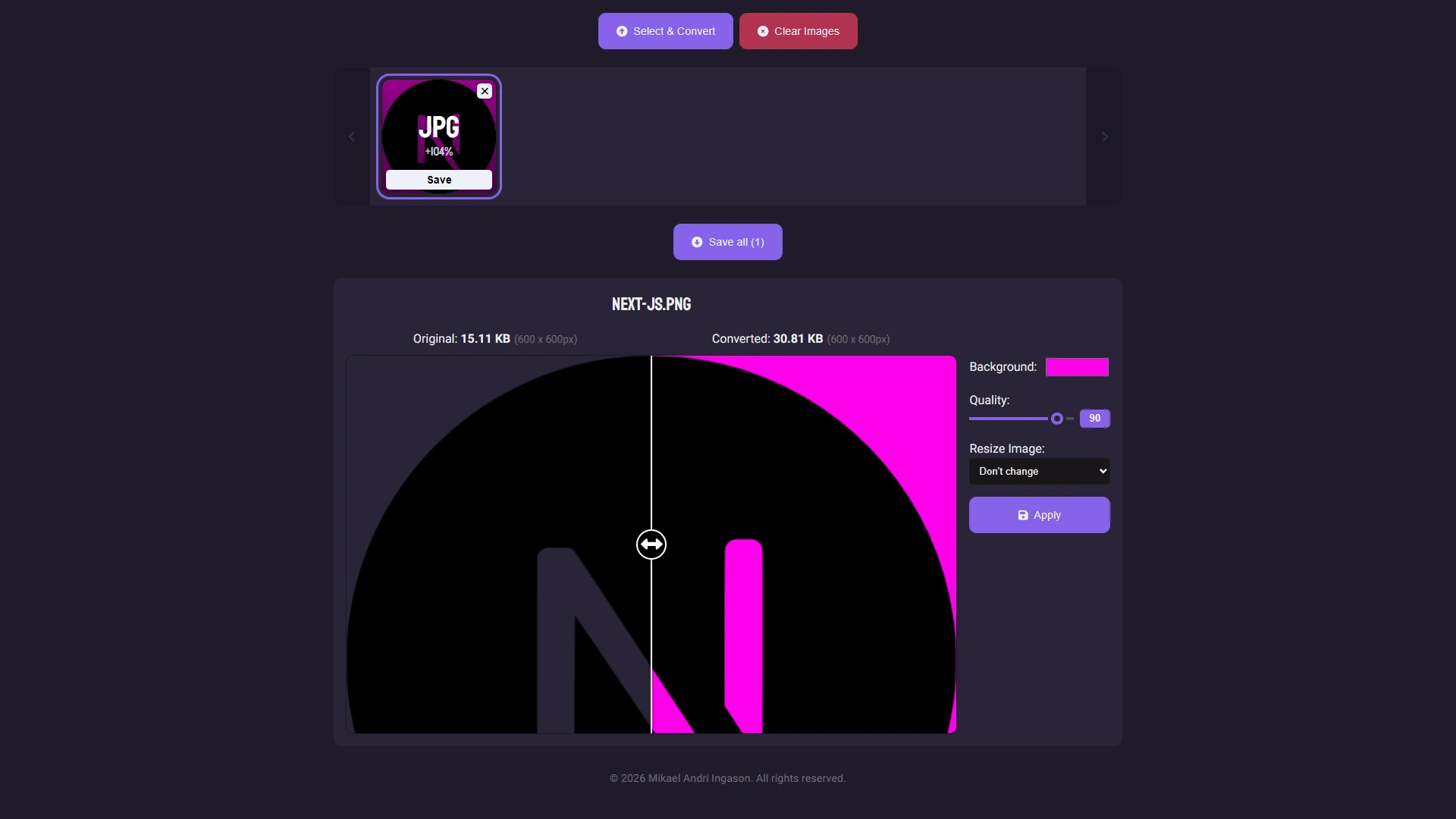
- Each image can then be fine-tuned individually with its own settings.
- Includes side-by-side comparison with original and compressed versions.
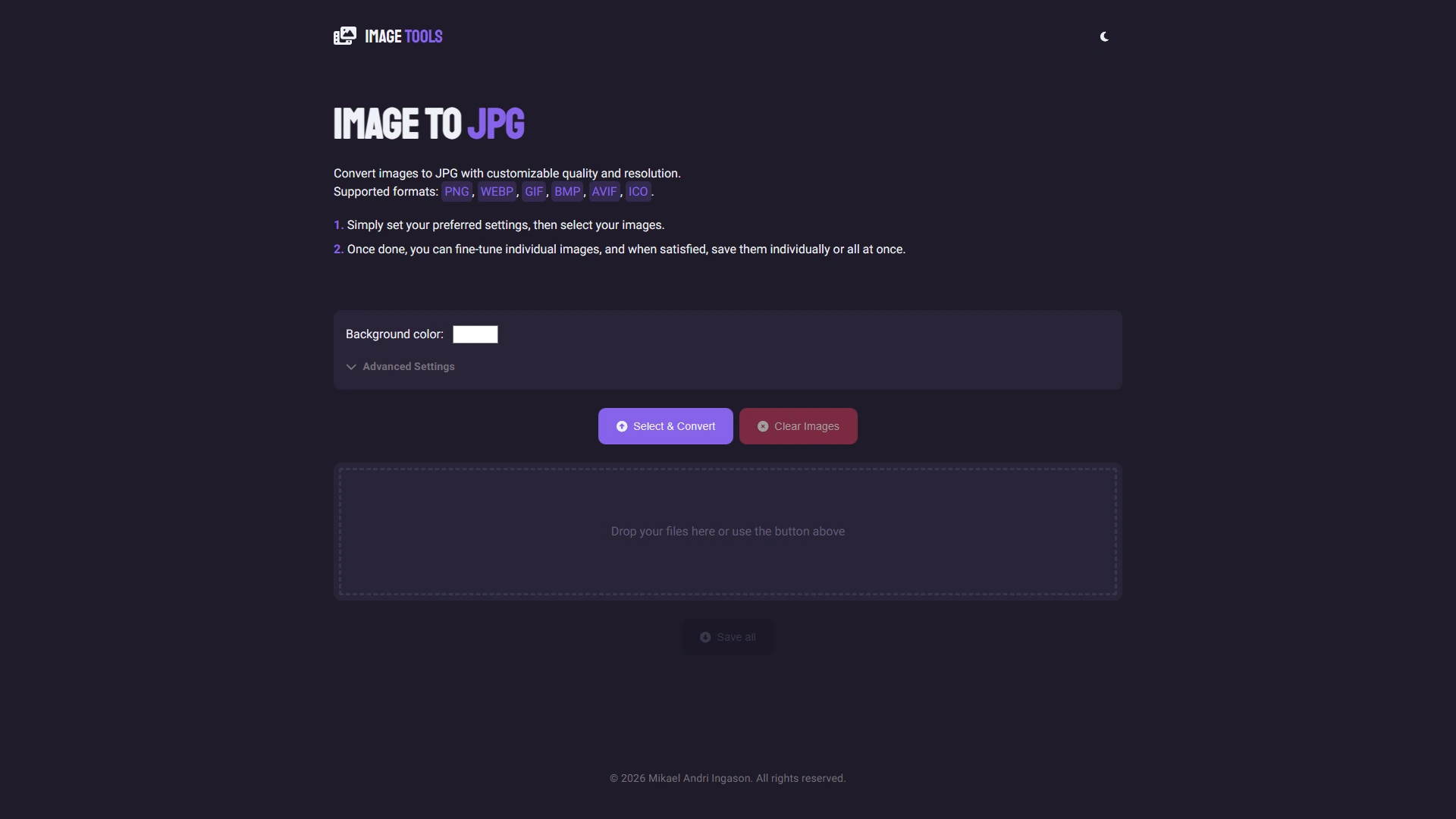
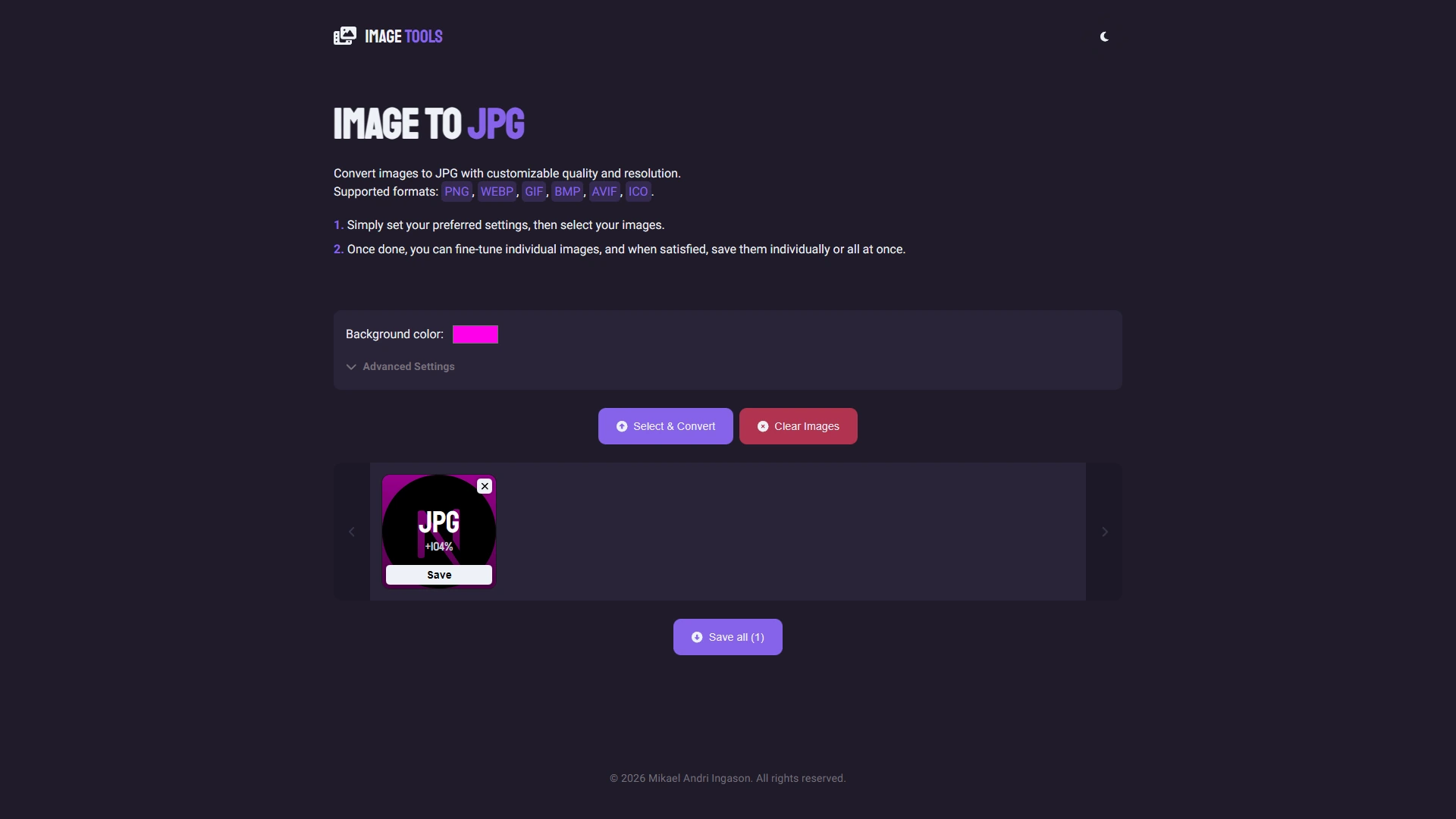
- Converts PNG, WEBP, GIF, BMP, AVIF, and ICO in bulk to JPG.
- Includes all the same advanced resizing and quality controls as the Compressor tool.
- Lets you choose a custom background color for images with transparency.
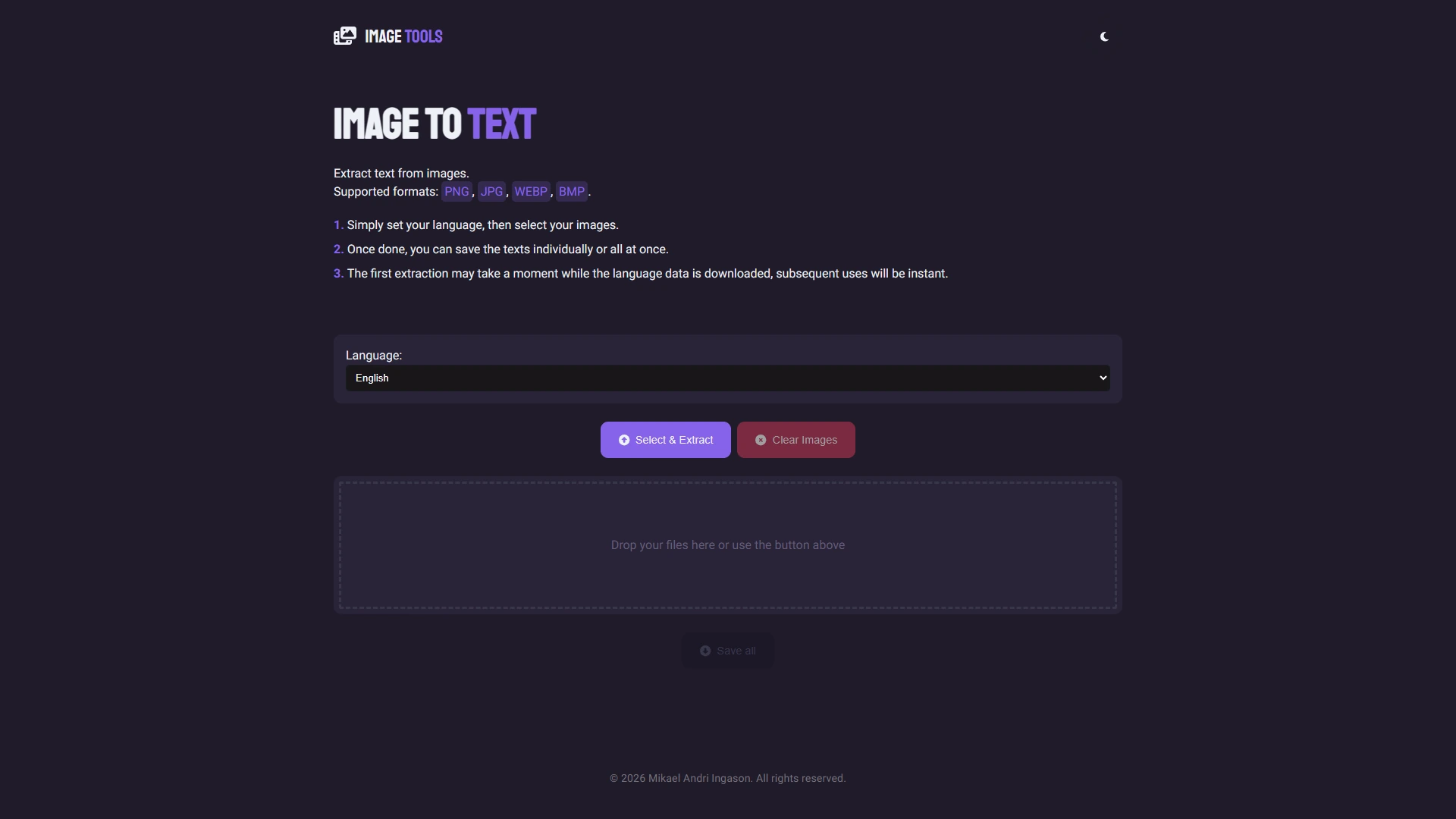
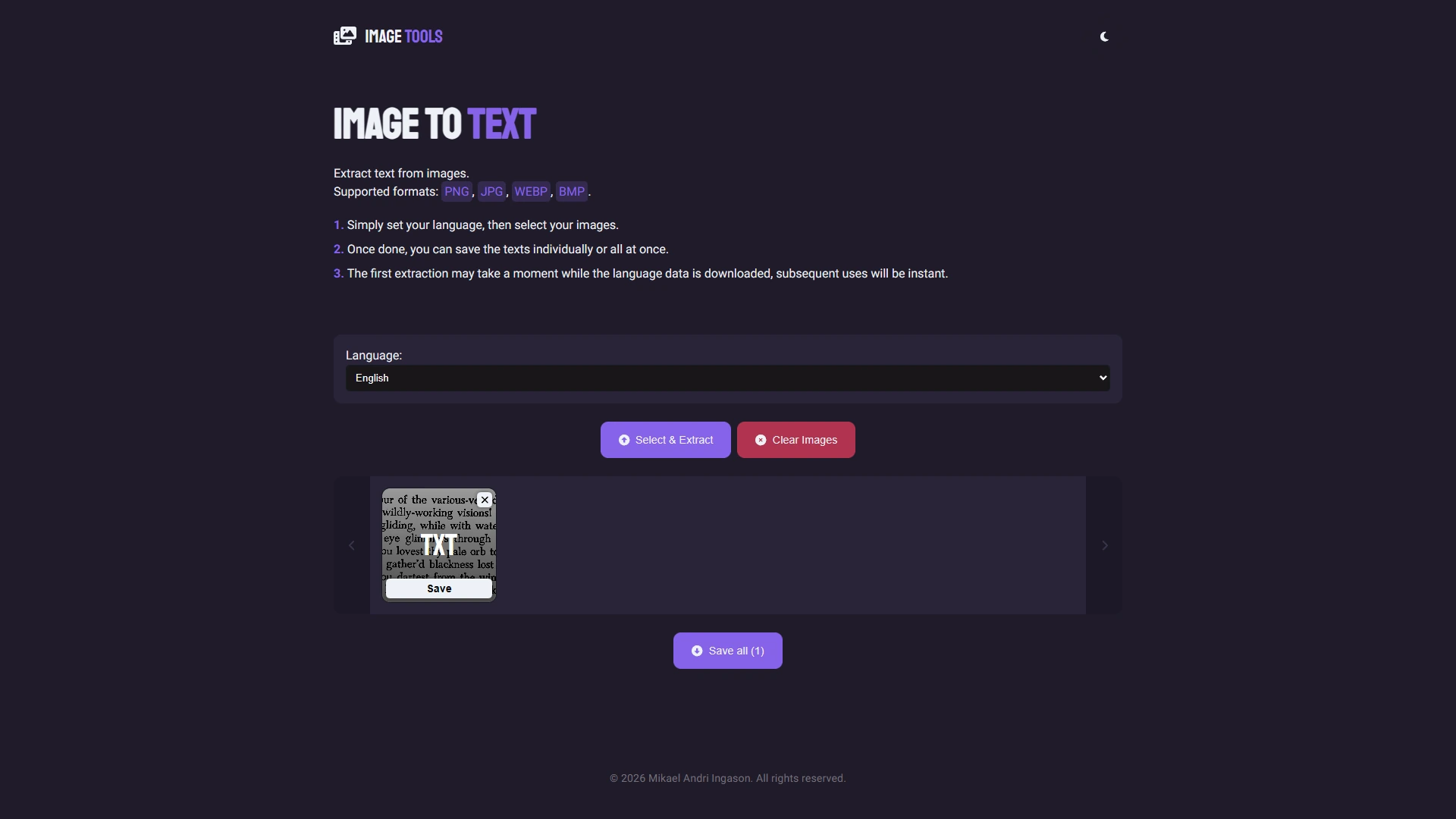
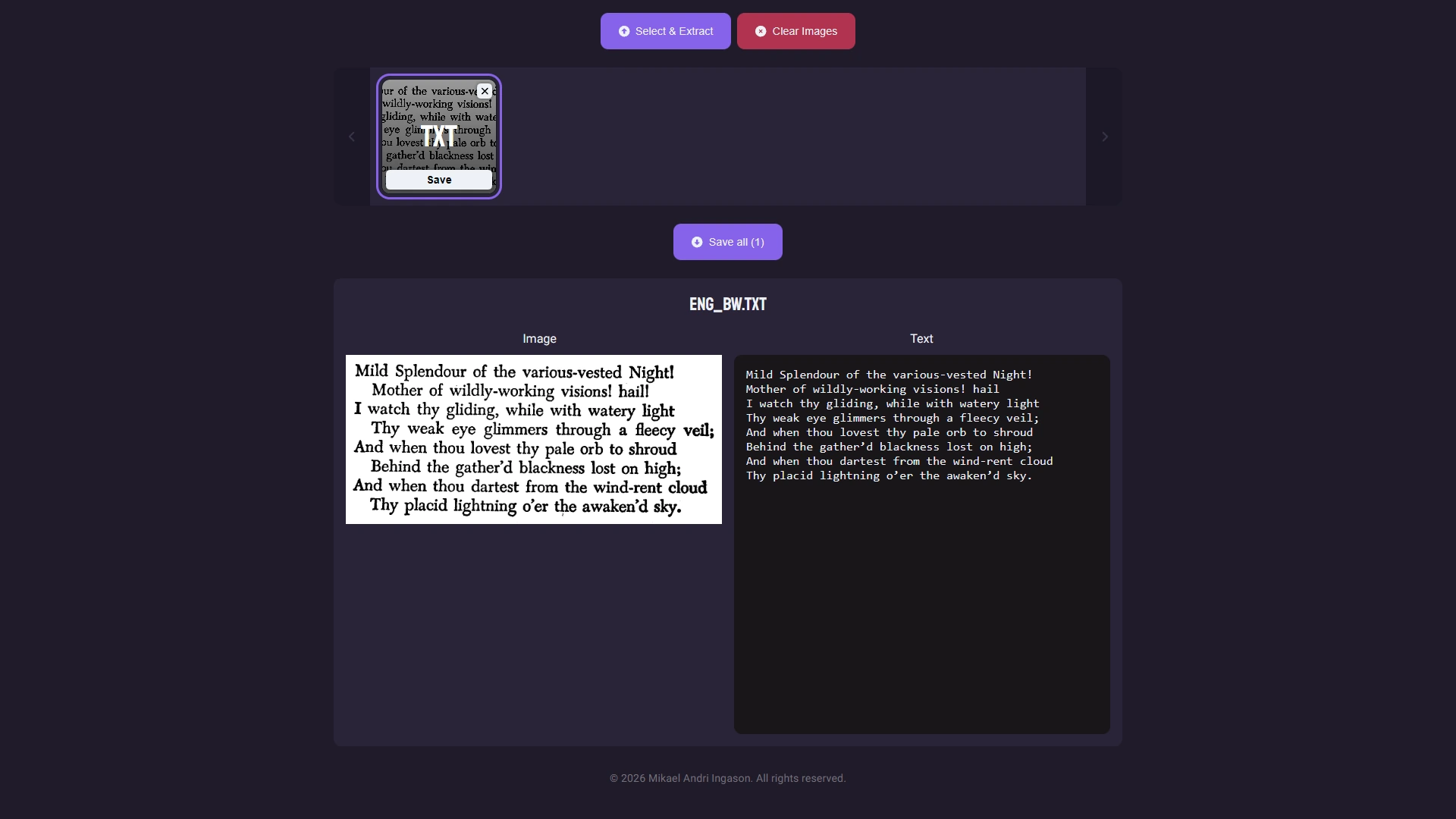
- Extracts text from images in bulk using Tesseract.js.
- Supports multiple languages.
- Uses Tesseract's CDN to fetch languages.
Technologies
Screenshots
View Live Website
Explore the live version of this project by clicking the button below:
Visit Live Site